Wednesday, October 17, 2012

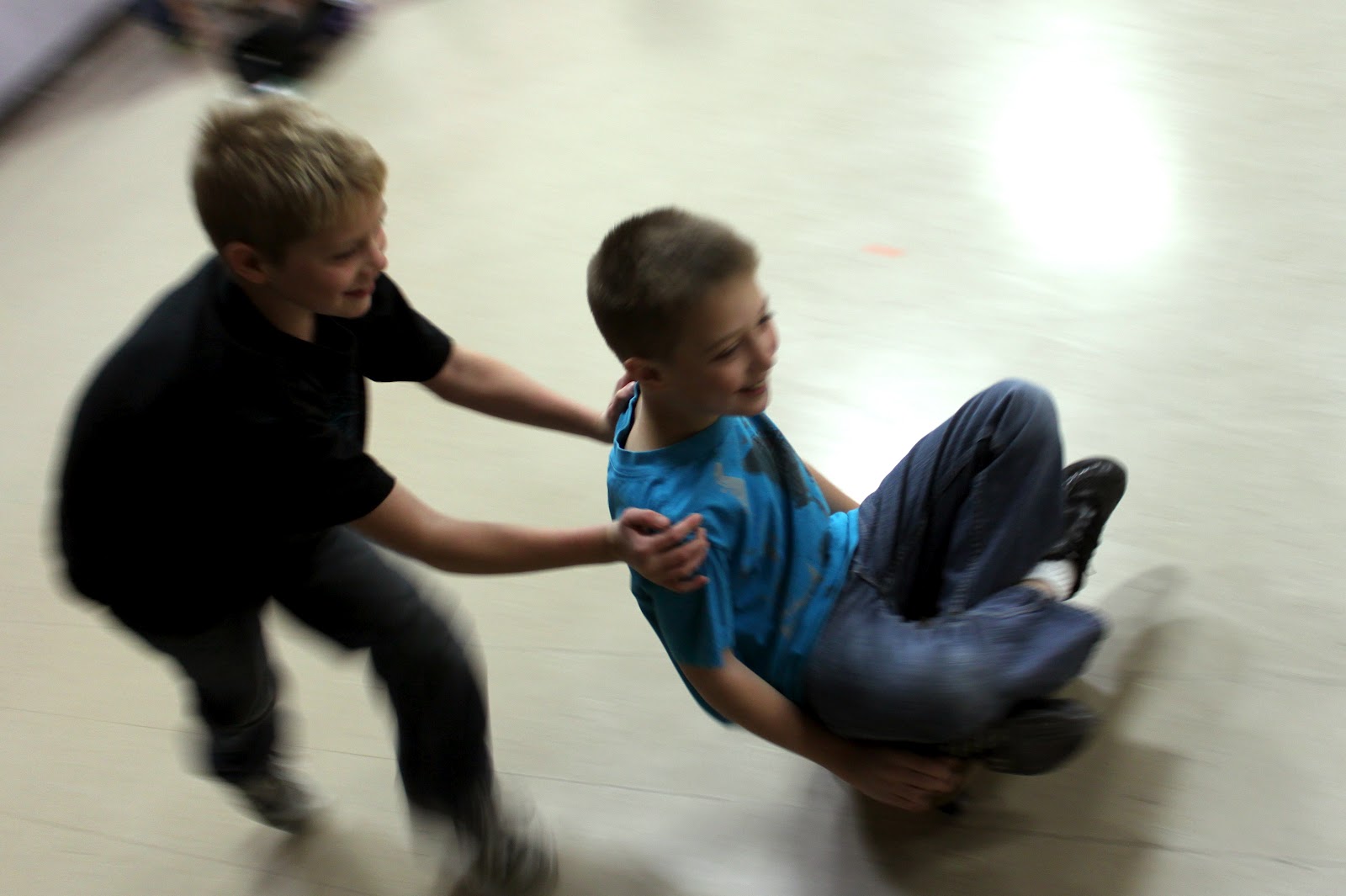
Fall Day Fun.

How many leaves can you grab before they hit the ground?

Wednesday, October 10, 2012

MAHPERD Convention 2012

2012 Annual Convention!
November 15-17, 2012
Grand Traverse Resort


http://www.mimahperd.org/html/convention1.html

Help support our student scholarship fund by taking part in our 5K Run/Walk, 10K and 1 Mile Run Run!!
This run will be located at the Stony Creek Metropark in Utica, MI.
The coarse is sponsored by the Michigan Governors Council and participants will be eligible for the Mackinac Bridge Labor Day Run Lottery!
See Flyer for more information!

All funds received from the event will go toward our student scholarship program and other member services!!

Thank you for supporting our future professionals!

Thursday, April 26, 2012

180bpm Running


One of my favorite stores is Playmakers in Okemos, Michigan.  It seems like every time I go to the store I runners are talking about running at 180 strides per minute.  Runners World has great article on the subject.  To help my students run at 180 strides I first use an online metronome that I set to 180.  Once students get the hang of it I use the DJ program Virtual DJ to change the speed of songs so that we can run and correct the pitch of the song.  I change the pitch of the song so the song doesn't sound like Alvin and the Chipmunks.


Thursday, March 29, 2012

Classroom Management


Class Dojo is a classroom management tool that my brother told me about last week.  I have used it with my upper elementary classes and it has helped quite a bit.  ClassDojo is a free web based program where a teacher uploads a class list and can give real time feedback to his students (Both positive and negative).


Using the system is easy, all you need to do is click on a students name and give them an award.
It is a points based system and each student can see if they are currently in the Green(positive points) or in the Red(negative points).


When a student receives a positive award their name will appear on the screen for a few seconds.
I usually project the page on a wall and control the program from anywhere, in the gym, with a wireless mouse.
I really like how you can see a graph of the different types of comments you gave out during a class.  That way you can see your ratio of positive and negative comments.


Thursday, March 15, 2012

Instant Replay


This week, we are playing Hockey.  I wanted to use a game clock, so students would know when they would get to sub in.  I set the online clock for 2 minute games.  Using my wireless mouse I can start and stop the clock from anywhere in the gym.


I used my projector in rear projection mode and projected the clock on the screen.

Then I decided to add a 8 second delay of live video for a replay camera.

After that I added a hockey goal horn sound affect(bottom left).
I can control everything from the wireless mouse in my hand.


Monday, February 27, 2012

Physical Education and Academic Performance

I read a great argument for Physical Education today.  If your school district is thinking about cutting P.E. to help its Math and Science scores they may want to think again.


"Physically active, fit youth are more likely to have better grades and test scores then their inactive counterparts."

PDF: Why We Should Not Cut P.E.  I think every Physical Educator should share this PDF with their school's administrator.

Thursday, February 9, 2012

FuelBand In School


Nike's FuelBand comes out later next week.  I WANT a set for my elementary physical education students.  From everything I have read about the device, it sounds like, it tracks activity biased on oxygen usage.  I am not sure if they will fit elementary aged students.  They come in 3 sizes.  The bands are going to start out with a price around 150.  The band will also report to Nike+ online and you can compete with others around the world.

Tuesday, February 7, 2012

Time Machine

There are some really useful tools at http://www.online-stopwatch.com. This site has many different clocks to choose from. Sometimes I project my screen on the wall to show students how much time is left in a workout. 

 "Hold that plank for 20 more seconds"
  If you don't have the internet you can save the page to your computer and use the stopwatch online.

Saturday, January 7, 2012

The Shadow


This activity I created using LCD projectors to turn my gym into a obstacle course, where players use their body's shadow, to play the game. Students are about 4 feet from the 15 foot high projected screen. I used power point to make the animations. If you are interested in the power point file then leave a comment below.


Some tips


Students move counter clockwise around gym.


Make sure students are not too close to the wall when playing because


it is really hard to see the screen when you are too close


The power point file

Friday, December 16, 2011

Wicked Problem Project


My Physical Education classes have never been bigger. With larger class sizes, I need to change activities to make sure that all students are participating in a safe and meaningful way.
My technology-integrated strategy is to use audio visual equipment to present an interactive Elementary Physical Education curriculum.
I am going to need hardware, software, and content to make this work. I plan on using a laptop, a LCD projector, a P.A. system, and videos from the internet and videos that I self-produced to solve this problem.

My research started last November, when I met Tom Root, CEO of HOPSports Inc. Tom Has connections. Tom works with professional sports teams and he works in Hollywood. Tom told me that evaluation in PE is all about using technology. Tom also said something to the effect of, "teachers that continue to teach sports skills will be fired."

I had a productive weekend, I also met Gary Gray, from
Grayinstitute.com. Gary is a Physical therapist and many say that he is the best in the world. Tom and Gary just got back from China where they were setting up brand new schools(full of technology). Tom told me that schools in China are based around the gym. Gary invented a new way of describing and teaching movements, He calls it "The Literacy of Movement". Gary and I talked about how to make Physical Education more like the Kahn academy, where students have to show that they have mastered a skill before they can move on to the next. Gary is a pioneer.
Generation M2 - Media in the Lives of 8 - 18-Year-Olds
A Kaiser Family Foundation Study - JANUARY 2010

by: Victoria J. Rideout, M.A., Ulla G. Foehr, Ph.D., and Donald F. Roberts, Ph.D.
Cardiovascular Fitness is Associated with Cognition in Young Adulthood
by: Aberg, Maria A., PNAS, 8 Dec.2009:vol.106, no.49
Inclusion in Physical Education: Changing the Culture, Journal of Physical Education, Recreation & Dance, Volume 78, Number 2, February 2007 , pp. 1-58(58)
By observing student participation I will know if my solution is successful.
  • Indications of a successful project
Indicators of a successful project would be 100 student percent participation without student injury.
  • Relevant resources and citations
Interactive Video Games in Physical Education, Journal of Physical Education, Recreation & Dance, Volume 78, Number 5, May/June 2007 , pp. 1-58(58)
A bit out dated but the ideas behind this article are still relevant.
 
Application of TPACK

All students are different and learn differently.  Some students learn better with visual information, others learn better with auditory stimuli, and others learn better through movement. I think I learn best when I am moving.  I think some concepts are best learned through movement.  I think most movements are best taught at a slower speed and then the movements speed and efficiency can be improved.

I think teachers should use a combination of teaching styles to help all students understand content.  The ways and more times you can display information the better students will grasp a concept.  My students are learning about rhythm in my class. Technology allows me to incorporate auditory, visual, and kenistitic learning styles into my lessons.  I am not a dance expert but it is in our curriculum.  I decided to use the video footage from the game Just Dance(1, 2, and 3), for the Wii.  Students were able to see the dance moves on the wall, student were able to listen to the beat of the songs along with my verbal cues, and all students were able feel the beat while moving and participate in the activity. 

Some of my younger students were having difficulty learning different dance steps, so instead of using the Wii, to produce the multimedia experience, I used a program called Virtual DJ to play video files recorded from the Wii.  Using Virtual DJ gave me control of the speed of the videos. I was able to slow down videos for younger students and once students mastered the movement sequence I was able to speed up the videos to keep challenging students.   I was also able to eliminate any loading time.  Using Virtual DJ I was able to Cue up the next song and even mix it in on beat to keep students on beat. 

The content I decided to use was dance.  I decided to use technology, to record Just Dance videos from the Wii game onto my computer.  I wanted the whole class to be able to see the dance content so I used computer and a LCD projector to display the game on the wall. 

 
My project of a technology-integrated physical education class was not implemented as planned. I was unable to get heart rate monitors.  Instead, students learned about how to find our own pulse.  Elementary age students, finding their own pulse, and getting an accurate result is very difficult. I did use audio visual equipment in 100 % of my classes over the last 4 weeks.  

Success:  
      After seeing over 700 students, for 1 hour each week, for the last 4 weeks, I did not have any injury's.
      After seeing over 700 students, for 1 hour each week, for the last 4 weeks, all students participated 100  % of the time.


If I was to try another project like this I would make videos available online so my students could log on, at home, and see what they were going to be doing in gym for that week, so, I would not have to explain how each new activity works, and what was expected of them. This is a "fliping the classroom" idea I got from the Kahn academy and Gary Gray who I met in November.  Now that my students know how to use the new technology like video delay I plan on incorporating it into new skills.  


When we play other activities (like Duck Duck Goose or Basketball) students sometimes have to take turns because of the lack of space. I think students will enjoy the fact that everyone participate in this activity at the same time because all students have their own personal space.